This is the homepage for Richie's Impactful Animal Advocacy Knowledge-base, aka RIAAK!
Here I publish my notes on Animal Advocacy that I use in my role as the Director of Research at Bryant Research. Feel free to use them for your own work.
What's in RIAAK?
- Brief summaries of useful studies (usually found in the Citations folder). Reviews reports, or useful single studies.
- I have an AI tool that will skim a report, extract the abstract or exec summary and make an entry here in RIAAK. If the report doesn't have one, it will use AI to read the report and write one. These may not always be 100% accurate, but I have never noticed a big error before.
- "Micro-content" I have written to help me quickly put together reports for clients.
- My scattered thoughts.
Where I get my info from
- Academic papers
- Government reports
- NGOs and orgs known for producing useful Animal advo research.
- I import all the research I can find from these orgs into RIAAK:
- Rethink Priorities' Animal Welfare Team
- Ambitious Impact's assessments of promising animal advo interventions
- Faunalytics' original studies
- Animal Ask
- The Changing Market's Foundation
- Animal Think Tank
- Fish Welfare Initiative
- Bryant Research
- Misc research orgs that produce a small amount of (very good) research, e.g. Rooted Research, North Mountain Consulting, Animetrics.
- Other Orgs I have pulled most / all research from
- The Humane League, though they no longer publish research.
- Wild Animal Initiative
- Compassion in World Farming
If you want to be added to this list, let me know!
How to use RIAAK
There are 6 ways you can navigate RIAAK:
- Type keywords into the left search bar
- Use "semantic search"
- Use Links
- Use Local Graphs
- Use the Global Graph
- Use Tags
- Use Folders
The keyword search bar
- The search bar only does exact word search, so if you search "alternative proteins healthier" it probably won't surface an article called "vegan meat is good for you".
- I'd advise just putting in a bunch of keywords you're interested in and see what it turns up
Semantic search
Whenever you see
Links
- This knowledge base is organised a bit like Wikipedia: pages are connected by links.
- You can surf RIAAK by clicking through the links on a given page. Try clicking this one
- If you hover your mouse over the link, it will show you a preview.
- At the bottom of each page, you will see a list of all the other pages that link to it.
Local graph
- Inspect the local graph for a note to see what it's connected to and find what you're after.
- Side note: confusingly, Obsidian uses the term "graph" not how regular people use it, but using the computer science definition: a graph is a network of "nodes" (in this case notes), connected by "edges" (in this case links).
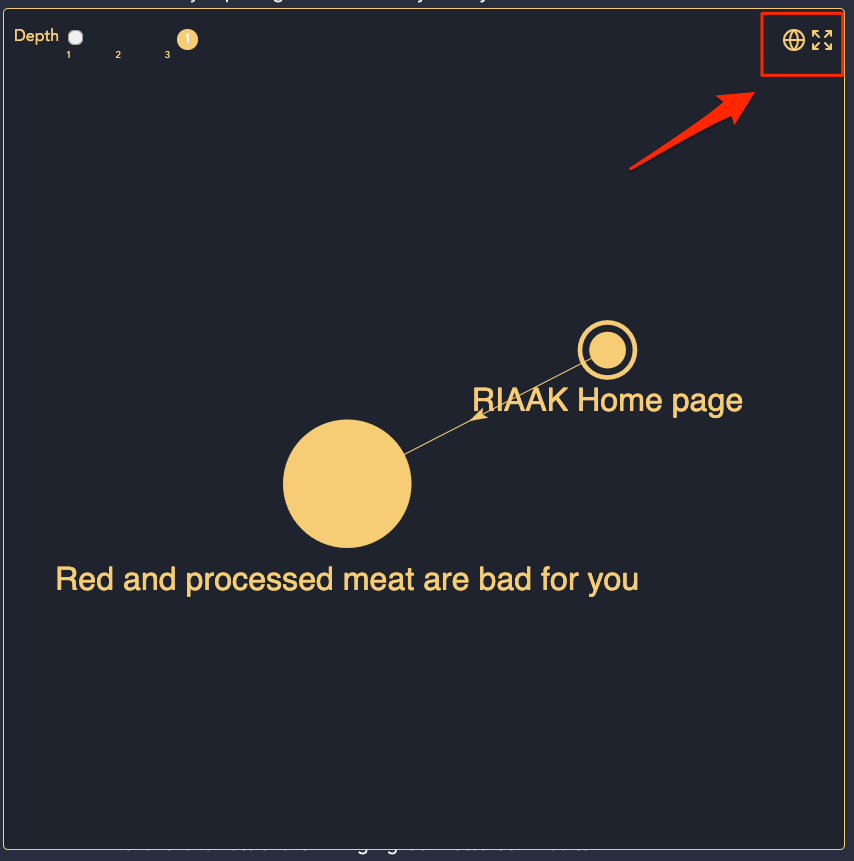
- Whenever you are on a note, you'll notice a small network graph on the right-hand side under the heading “Connected pages”. This visualises the note you're looking at, as well as all the notes connected to it through links.
- If you click any of these nodes you'll go straight to them! You can thus “surf” the web of notes in this knowledge base and learn all sorts of interesting things.
- If you want to see the local graph larger, then click the arrow in the top right of the graph
- There is also a heading on the right that tells you which pages mention the page you're on.
Global Graph
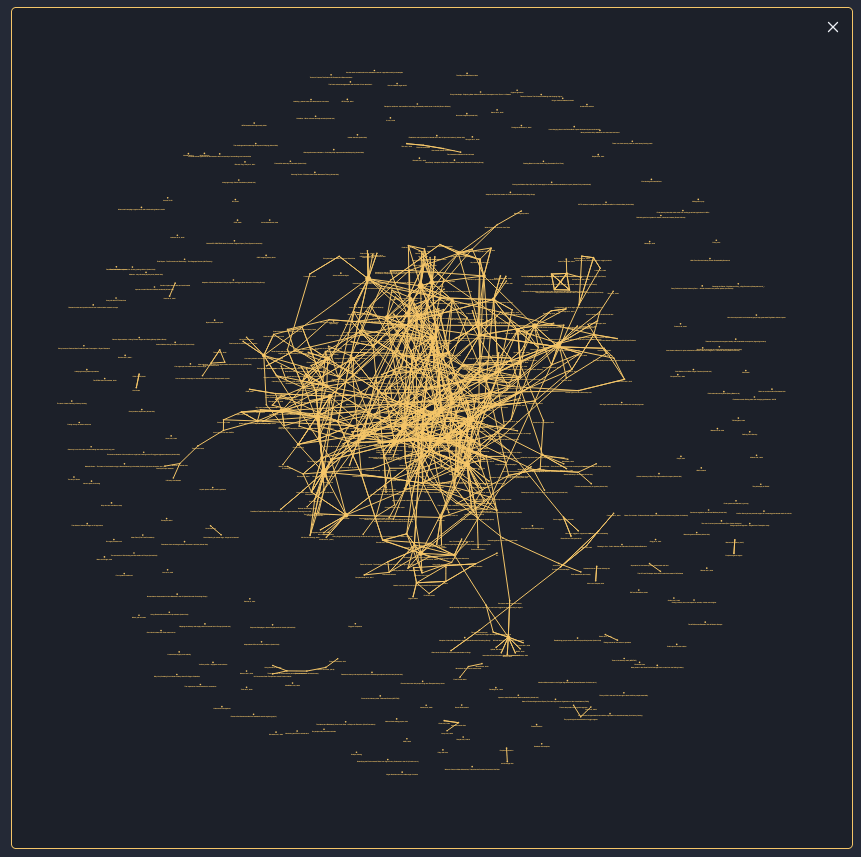
- If every file in RIAAK is linked to other files, can we visualise the entirety of RIAAK as a network graph? Yes we can!
- This is called a Global Graph, and you do that by clicking the globe icon on the top right of any local graph
- Hover over a note and it will highlight all notes it's linked to.
Tags
- Tags are those hashtags you see on notes, usually at the top. They are the topics that a note is about.
- If you click on a tag, it will show you all notes in RIAAK with that tag. Try it out!
- Tags are a great way of diving into a high level topic
- If you have suggestions for tags that you expected to find or would find useful, let me know!
- An explainer of why I use tags rather than folders to organise this site
Folders
On the left side, you will also see the main folders and all the files inside them. Not a great way to search for a file, but might be useful.
Can't find what you're looking for?
An FAQ can be found here
If you have questions or contributions for this site, or spot a mistake, email me at richie@bryantresearch.co.uk